Register identity provider (domain name)
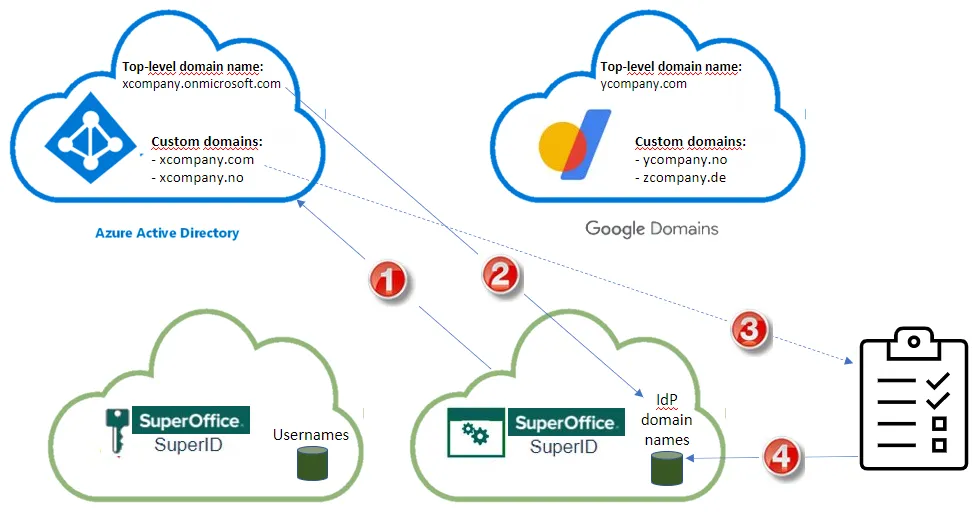
Before using a federated sign-in service, you must register the domain with us. This enables SuperID to recognize the domain of the user’s email address and redirect to the correct identity provider for authentication.
Pre-requisites
-
You have mapped the usernames to your IDP.
-
You are able to authenticate with the customer’s domain. For Microsoft Entra ID, Global Admin or Application Administrator is required.
How does DP registration impact existing users?
A ‘user-transition’ (SuperOffice password -> Google/Microsoft authentication) for all existing users, on first log in after IDP registration is completed: users have to sign in once to SuperOffice, to complete the transition from password to IDP for their accounts.
No use of “SO password” any longer, but user is sent to Google/Microsoft for authentication on login to CRM Online.
Start IDP registration
-
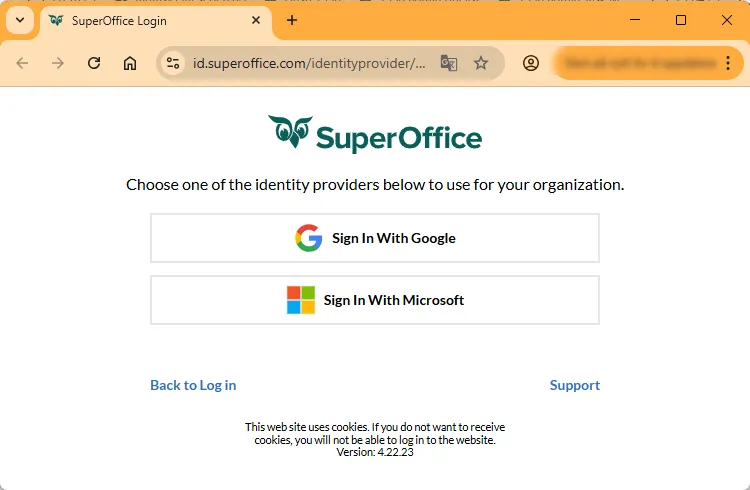
Select your organization’s identity provider (Google or Microsoft).
Initialize and accept setup with your IDP
For Microsoft
-
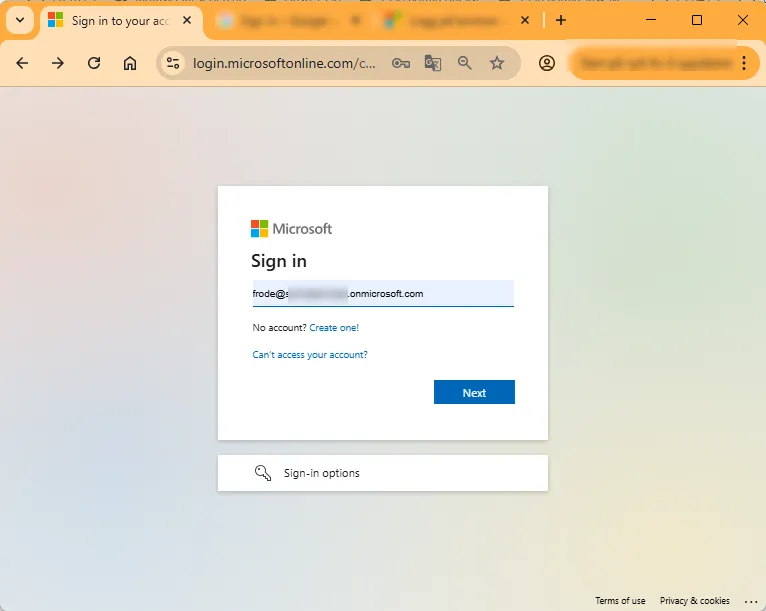
Authenticate with your Global admin or App admin Microsoft Entra account.
-
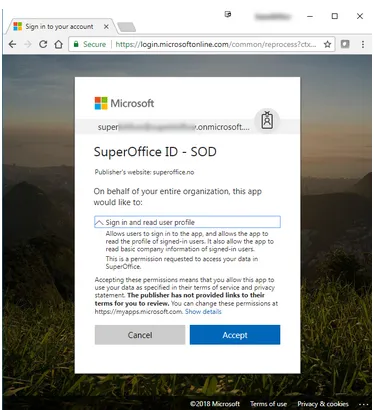
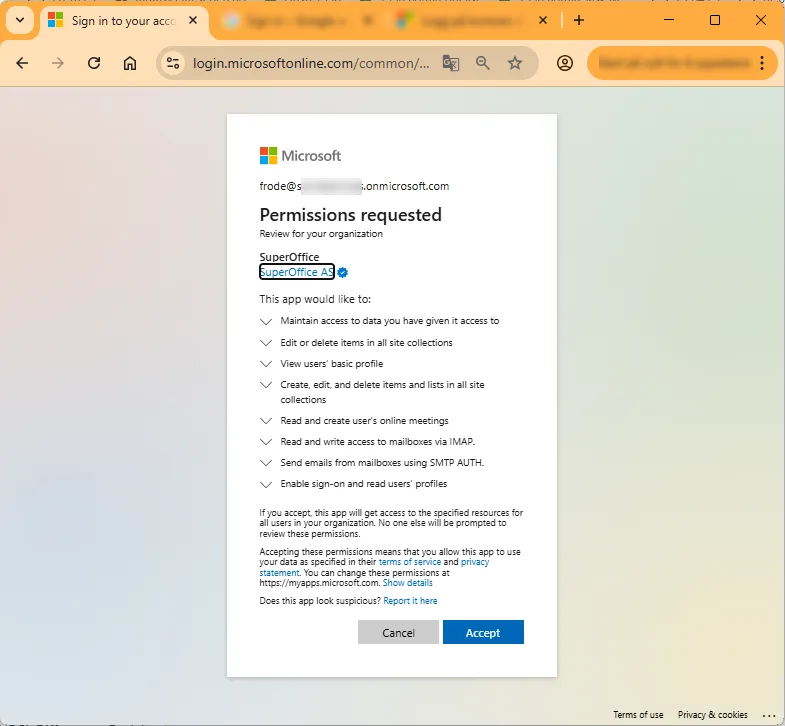
Accept the permissions and grant SuperOffice access to read profile information if prompted.
-
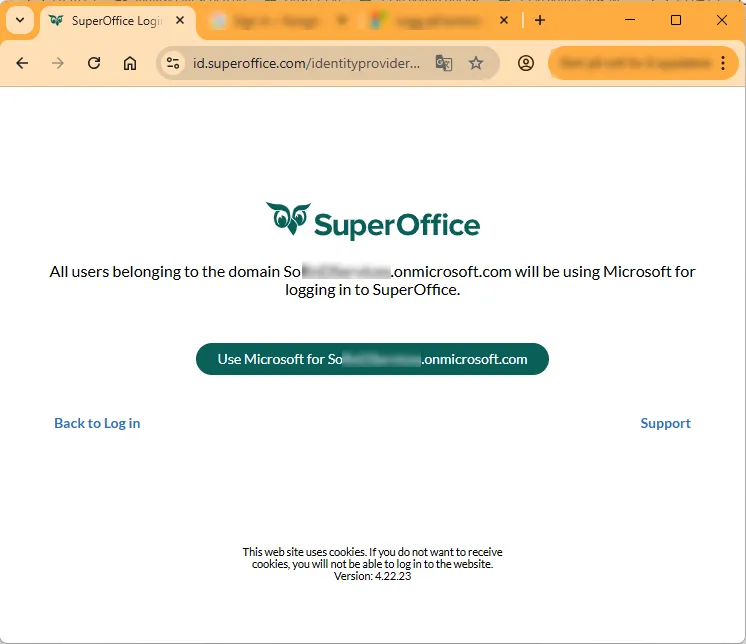
Confirm that all users of this domain should use the identity provider.
Explanation about requested permissions
SuperOffice application (Application Id d0c02962-eedd-4d1e-8a70-a315f1aa5072) is required for logging in and to support basic functionality for the user (delegated permission). The permission does not require Admin consent. The reason for asking administrator to approve these permissions is to prevent that the individual user must consent to these permissions.
The delegated permissions required for the SuperOffice application are:
| Function | Permissions needed |
|---|---|
| Logging in | User.Read, email, openid and profile. Get basic information about the signed in user. |
| The built-in e-mail client in the SuperOffice CRM product requires IMAP.AccessAsUser.All for receiving and SMTP.Send for sending e-mails on behalf of the user. Offline_access is needed for refreshing the mailboxes in background. | |
| Video Meeting & Microsoft Teams | OnlineMeetings permissions is required to set up video meetings directly from the diary of the SuperOffice CRM product. |
| SharePoint document archive | The Sites.Manage.All and Sites.ReadWrite.All is required to create, read and write documents to SharePoint. |
For Google
-
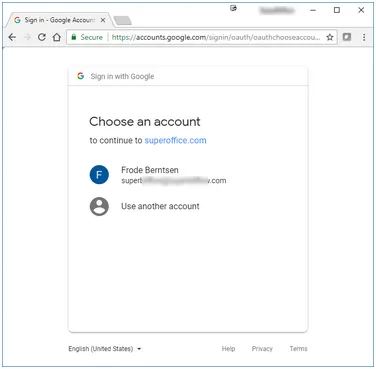
Authenticate with a Google account in the domain.
-
Accept the permissions and grant SuperOffice access to read profile information if prompted.
-
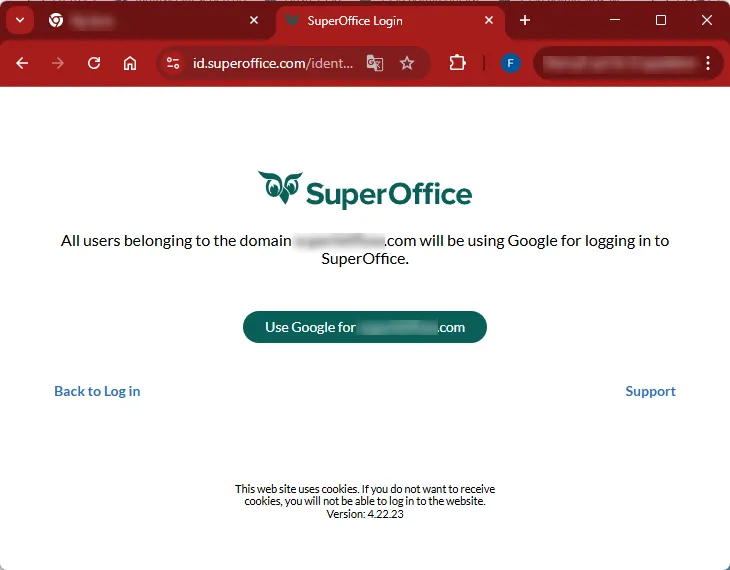
Confirm that all users of this domain should use the identity provider.
Confirm registration
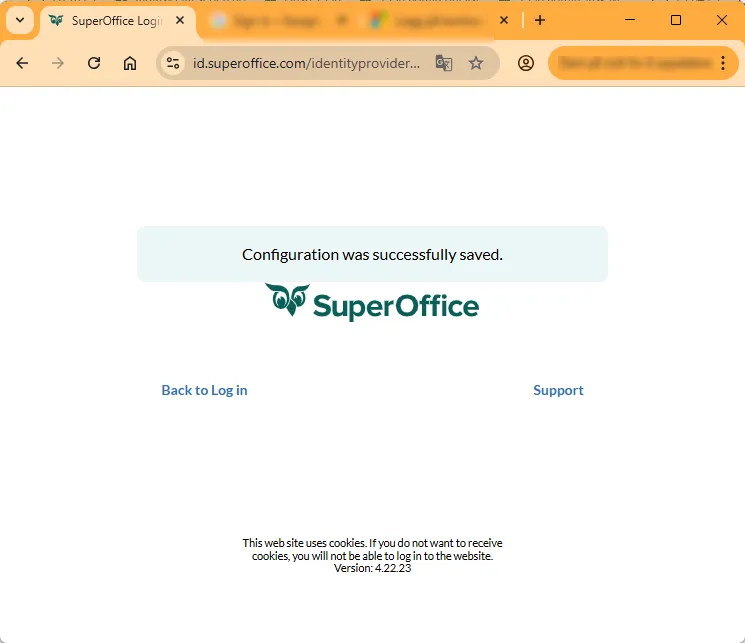
Your organization’s domain name is now registered in the SuperOffice environment.
When the user signs in, the domain of the username (the part after the @ sign) will be recognized and the user will be forwarded to the correct IDP to authenticate.
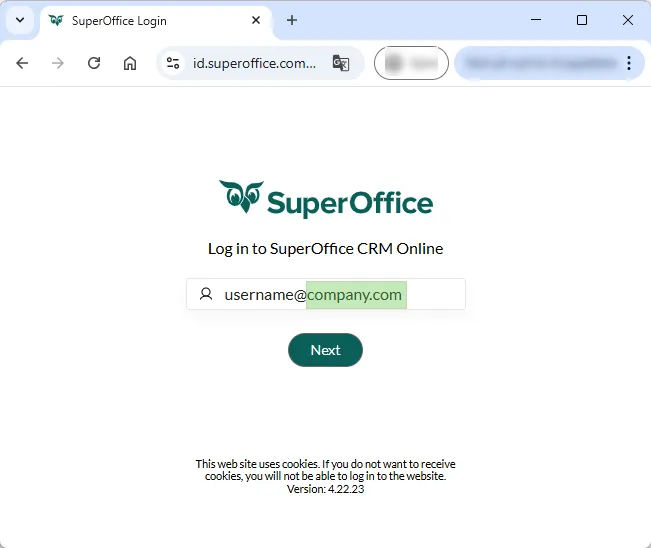
Primary domain registration is complete!
After registering the IDP, existing password users have to sign in once to SuperOffice, to complete the transition from password to IDP for their accounts. New users added will be able to log in directly. Do note “Send welcome emails to new users” is ‘on’ by default. The administrator can choose whether or not new users shall receive a welcome email with sign-in info when their account is created. Read more here: send welcome emails.
Register additional domains
Organizations may have multiple domains. Additional domains used to sign in to SuperOffice, beyond the domain of the Global Admin or App Admin, must be added manually.
The Domain Name System (DNS) has a tree structure or hierarchy, which includes nodes on the tree being a domain name. A subdomain is a domain that is part of a larger domain. A custom domain is a unique branded name that identifies a website.
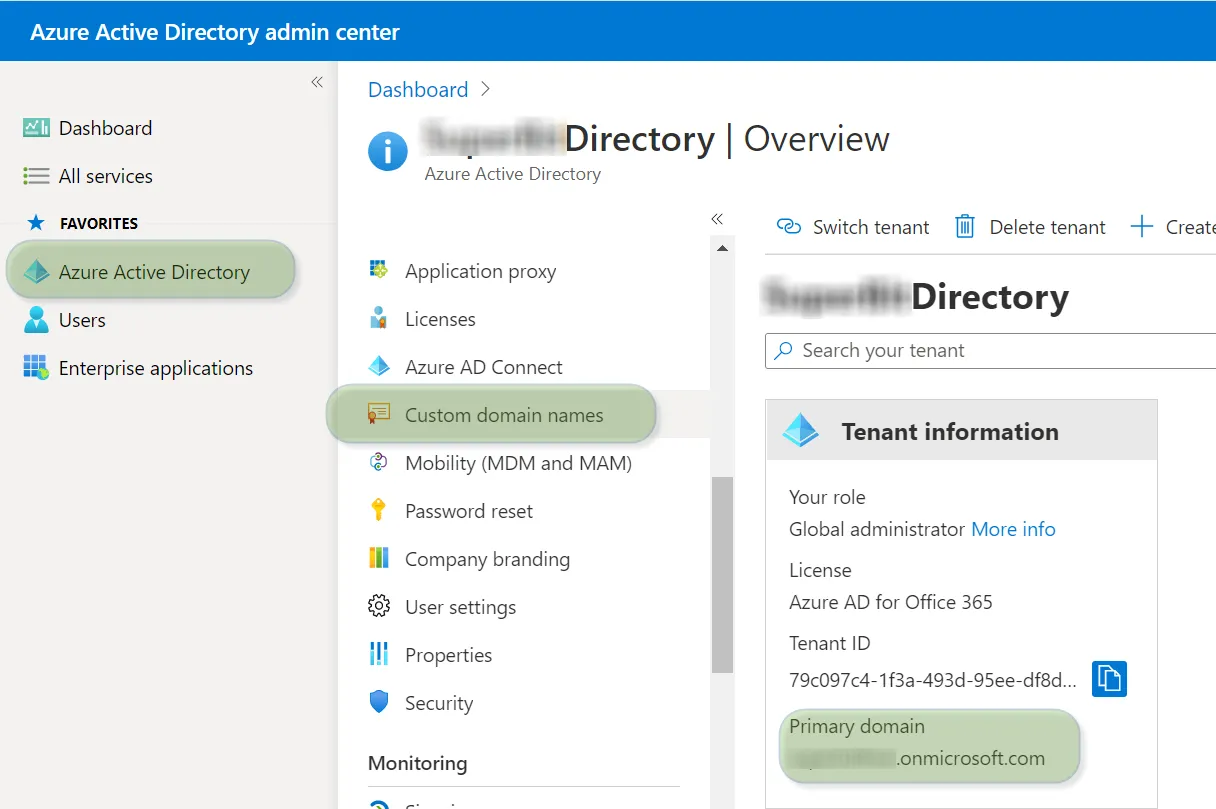
You may want to set a new primary domain name for your Microsoft Entra organization. When your organization is created in Microsoft Entra ID, the initial domain name, such as contoso.onmicrosoft.com, is also set as the primary domain name. The primary domain is the default domain name when you register the domain name. Check out Microsoft’s article on how to change the primary domain name.
You can find additional domains in your Microsoft Entra admin center under Custom domain names.
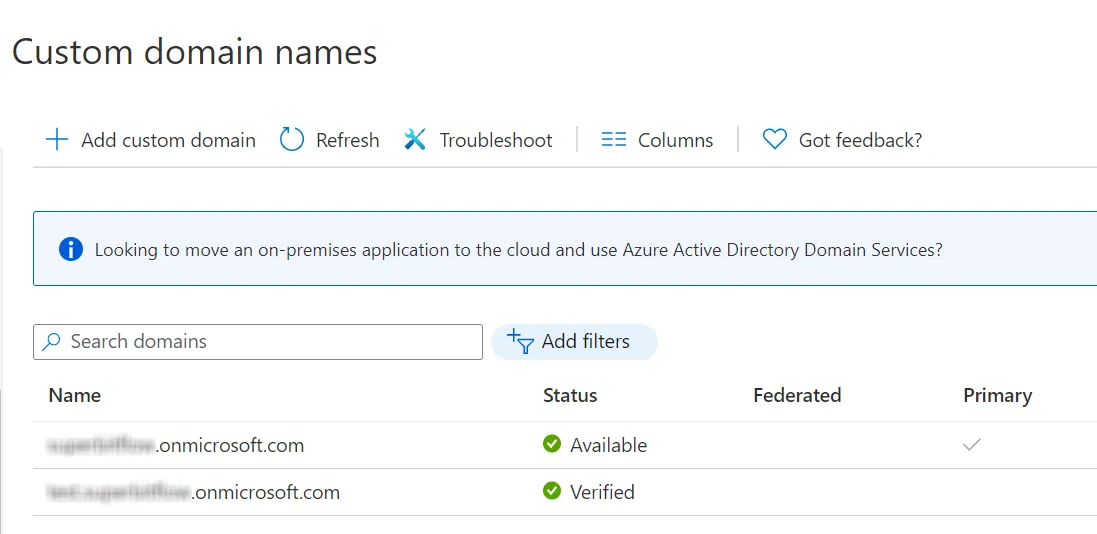
To register another top-level domain name:
- Repeat the process outlined on this page with the new domain name.
To register a sub-domain name or custom domain name:
- Register identity provider.
- Your primary domain will be registered in SuperID.
- Fill out the form for sub-domains and custom domain names.
- We will manually add those subdomains and custom domain names.
- Repeat the process for other top-level domains.